
Keeping your ideas on post-its/notebooks might feel like a good idea but it doesn’t help you filter through them when you are looking for the next thing to post.
And not using all the awesomeness your Past You posted on your blog, on your social media or in your newsletter is a waste.
That’s why you need a place to store, organise and (re)use!
The Content Library & Planner helps you have an overview of what you did, are doing and will be doing with your content.
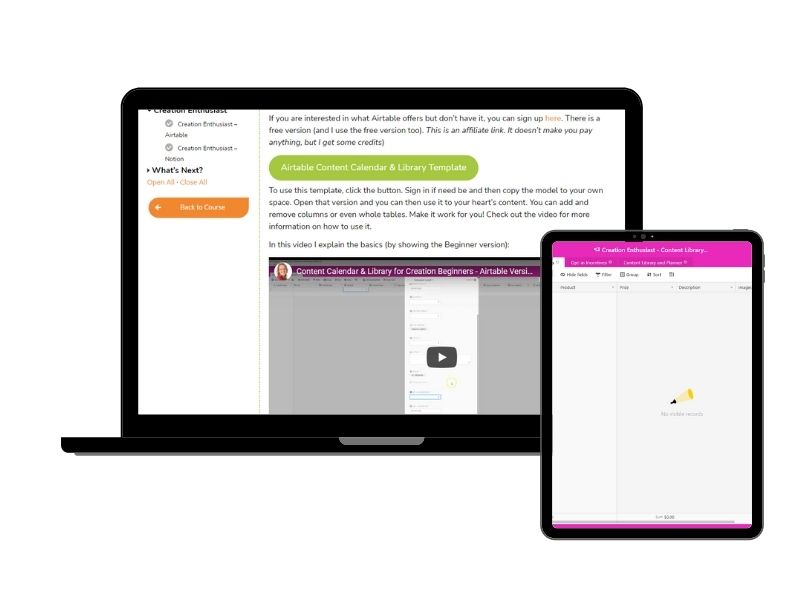
I offer you the template in 2 versions: Creation Beginner and Creation Enthusiast.
The Creation Beginner version works best if you have only 1 form of content and want to keep things simple for yourself.
The Creation Enthusiast uses the tools to the best of their capabilities allowing you to see even more information about your content and how you can best reuse it.
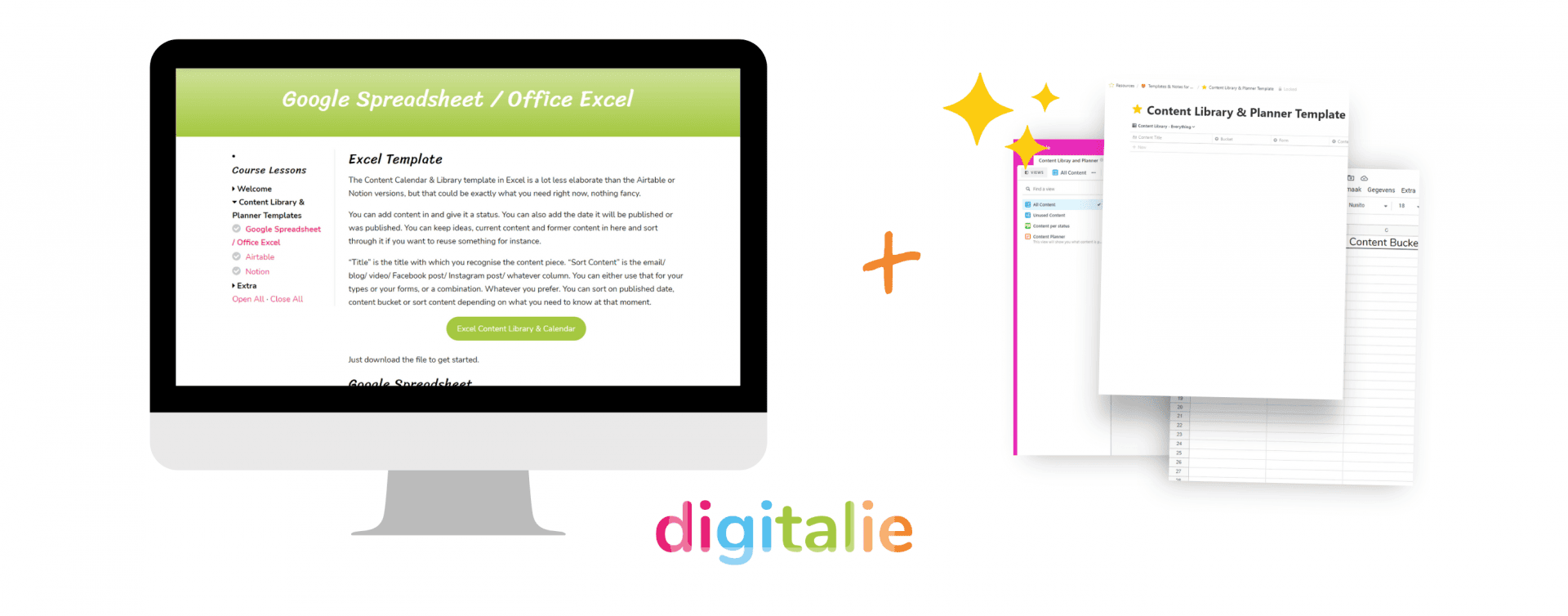
You have access to all the templates and the (video) lessons that go with them.
€40
You don’t need to be a planner. You just need one place to put everything.
I know you already made content that you (almost) forgot about. How fabulous would it be if you can see all the content you once made that you can just spruce up and reuse again?
No more starting from scratch if you don’t want to!
€40

Hi, I’m Natalie
One of the best ways to save time while also getting more customers is to create and reuse content that leads to your products and services.
Most business owners have months of brilliant content sitting forgotten. Blog posts, social media posts, newsletters. All that effort, used once and never touched again.
I know this because I’ve been helping business owners with their content systems for over 15 years. I use this exact template in my own business, and I’ve set it up with loads of clients too. It works.
With your Content Calendar you can see everything you’ve made, spot what’s worth reusing, make sure your content connects to what you sell, and keep track of what needs refreshing.
And you don’t have to build it from scratch. I’ve put together 2 templates for 4 different tools so you can just fill it up!
How do I get access after I buy?
After purchase, you’ll receive an email with a link to access your templates and tutorials. Teachery creates your account automatically, so you can get started straight away.
Who are these for?
If you make any kind of content; blogs, videos, social media posts, webinars, than this works for you. There are two versions of the template depending on whether you want a simple version that is for just 1 form of content, or whether you want to be able to add everything.
I don’t know much about content
You don’t need to be a content expert to use this. The template is designed to help you get organised with whatever content you’re already making, even if that’s just one blog post a month or the occasional social media post. The tutorials walk you through everything step by step.
I am not that tech-savvy – Can I use these?
Yes, I am sure of it! I have a few versions especially so you can pick one that best suits you and your needs. Each template comes with video and text tutorials to help you navigate how to use them. And if you ever get stuck just reach out for support, I’ll gladly help you.
Can I adapt the templates to fit my business?
Yes, most definitely! Each template has a text and video explaining how to use it and also how to adapt it. I might even give some tips on what to add if it works for you.
Which tool should I pick?
If you’re already using one of the four tools, start there. If you’re not sure, Airtable and Notion tend to work best for most people because of their database features. You get all four versions included, so you can always try another one later.
Do I need to set up the whole thing at once?
Not at all. You can start by adding content you’ve already made and build from there. Even a partially filled library is more useful than starting from scratch every time.
What if I get stuck?
Reach out and I’ll help you get sorted. The templates come with tutorials, but I’m always happy to answer questions.
Notifications

